Why Is My Xbox Controller Blinking? PC Connection Checks
Why is my Xbox controller blinking on PC? Check pairing context, battery power and USB connections, then confirm Windows detection before browser inputs.
On this page
The blinking light on your Xbox controller isn’t necessarily an indication of a problem. Asurion describes rapid blinking as pairing mode and slow blinking as the controller searching for a previously paired device.
The problem might be related to how your Xbox controller is connected, though. For example, Asurion suggests checking how your controller connects to the intended device (such as a Windows PC) versus connecting to another device instead.
In any case, if your Xbox controller is blinking, there are several troubleshooting steps you can take to figure out what’s going on.
Check Which Device Your Controller Connects To
Asurion recommends checking how your Xbox controller connects to a PC — specifically, making sure that it’s not a controller-to-console connection issue, but rather something like weak batteries or pairing issues. However, a blinking light alone doesn’t mean that there’s an issue with the battery, the pairings, or even the hardware itself.
Instead, it may be simply the controller attempting to connect to your PC through Bluetooth, or trying to reconnect after being used elsewhere. The company points out that if your controller was recently used on another device, such as your Windows PC, Steam, a cloud gaming setup, or phone/tablet, the controller may still be trying to reconnect to the previous device, potentially causing a blinking light. To test this theory, you could temporarily disable Bluetooth on nearby devices and retry the intended PC connection to see if the light stops blinking and stays solid, indicating that the controller has connected. Otherwise, simply try re-connecting your controller to your intended PC.
Check the Batteries
If the controller relies on batteries (rather than its own power), then checking the battery installation is worth doing. Weak or improperly installed batteries could be the culprit here, so double-check that they’re properly inserted and working. You might want to try fresh AA batteries where applicable. Note that changing the battery might change the behavior, but blinking can point to a connection problem without identifying the exact cause. If replacing the battery doesn’t work, however, there may be a larger problem with the controller itself.
Microsoft Q&A contributor Kayece Jan Mae Amizola (an Independent Advisor and fellow user) suggests a few possible options to try, all tied directly to the blinking light. First, the blinking may occur while the controller attempts to connect to your Windows PC using a USB cable. In that case, simply unplug and reconnect the controller. That same advisor also notes that a different, compatible USB cable may help, especially one that supports the specific port your controller uses.
A fellow Windows user on a different Microsoft Q&A page notes that if your controller still fails to connect, you might need to try a different PC USB port. These suggestions come from Microsoft users who have asked questions about their controller, not from official Microsoft troubleshooting guides. Neither site nor the model-specific procedures are tested by us.
Confirm Windows Detection Before Testing Browser Inputs
You might think that Microsoft’s detection of your controller should be enough, but sometimes Windows will detect a controller before the browser does. For example, if your controller is plugged into your PC, Windows sees it first, and only then does the site attempt to detect it. The site’s browser detection guide follows that order, so confirm that Windows detects your controller before testing browser inputs. Live inputs show that button presses register, but don’t explain why the light is blinking.
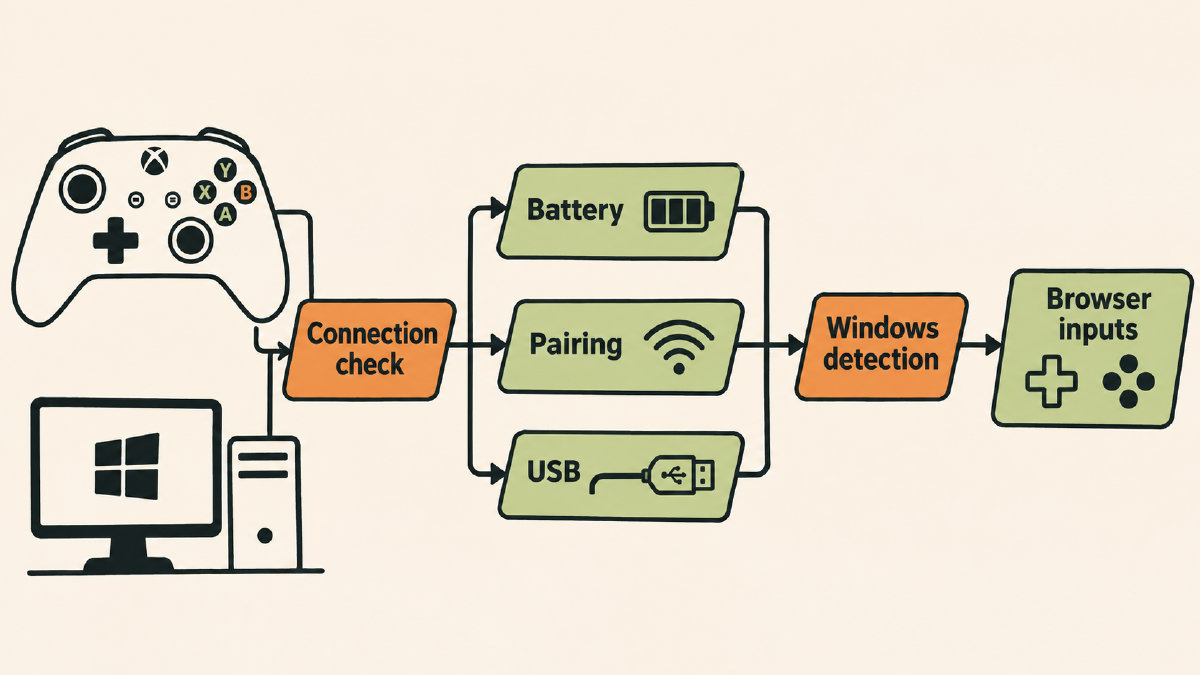
When a site tester asked why the Xbox controller would blink, we were able to determine that a controller wasn’t recognized when connected to the computer. A second controller worked fine, so the first was defective. The controller was blinking while it connected to the site, too. The site noted, “Try plugging it in and pressing any button to see if you get any live input.” While we couldn’t tell from the video that the blinking light was part of an explanation, we did note that inputs appeared once the controller was established. The problem was that the connection was established repeatedly dropping. If your controller connects but keeps dropping the connection, try the site’s separate guide on Xbox controllers that keep disconnecting.
Sources
Related controller guides
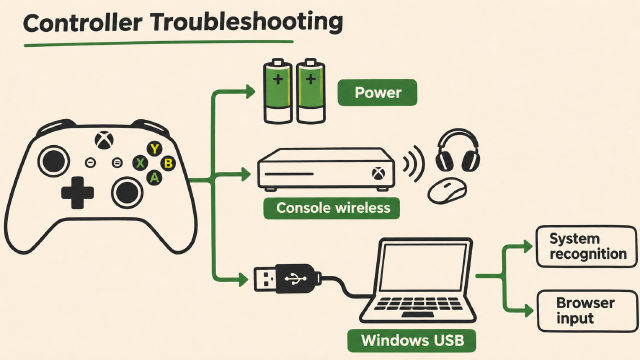
Why Do My Xbox Controllers Keep Disconnecting? What to Check
Why do my Xbox controllers keep disconnecting? Check battery power, wireless conditions and USB connections, then separate Windows and browser symptoms.
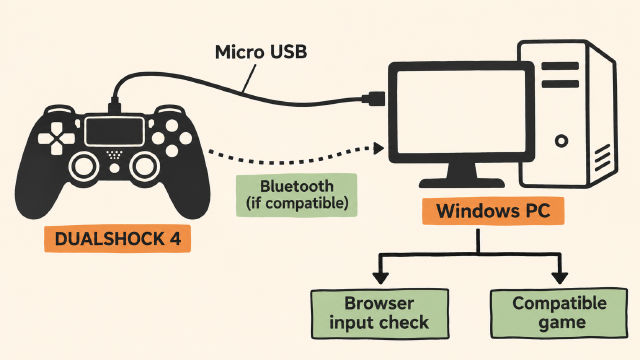
How to Connect PS4 Controller to PC on Windows
Learn how to connect PS4 controller to PC on Windows with Sony's USB guidance, conditional Bluetooth pairing steps and a browser input check.
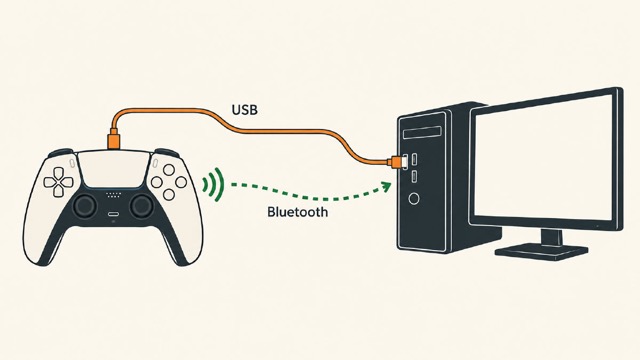
How to Connect PS5 Controller to PC on Windows: USB or Bluetooth
Learn how to connect PS5 controller to PC on Windows using USB or Bluetooth, check browser inputs, and understand game-dependent feature limits.